About HoverTime
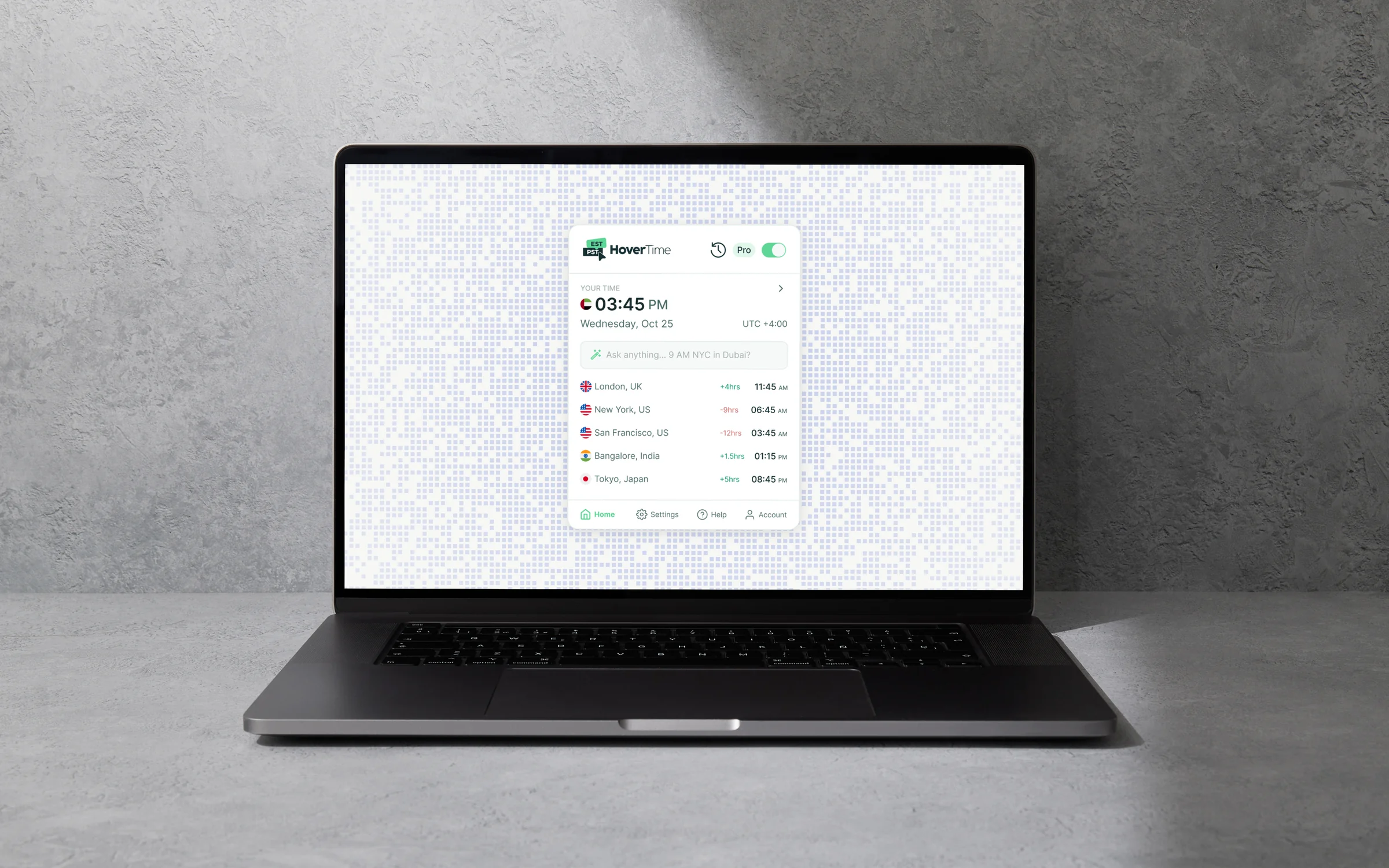
HoverTime is a browser extension by Seconds for people who work across time zones. Hover over any time in the browser and see it in your own, in place. No converter tab, no arithmetic mid-conversation.
It runs across the tools remote teams live in, on a whitelist rather than on every page by default.
What phase 2 set out to fix
Phase 1 answered one question, for one person, in one zone. Phase 2 was scoped around freelancers and remote workers, whose clients and teammates are scattered across several.
It started with interviews rather than a feature list. The same frictions kept surfacing.
- Converting a time meant leaving the conversation and losing the thread
- One zone was never enough
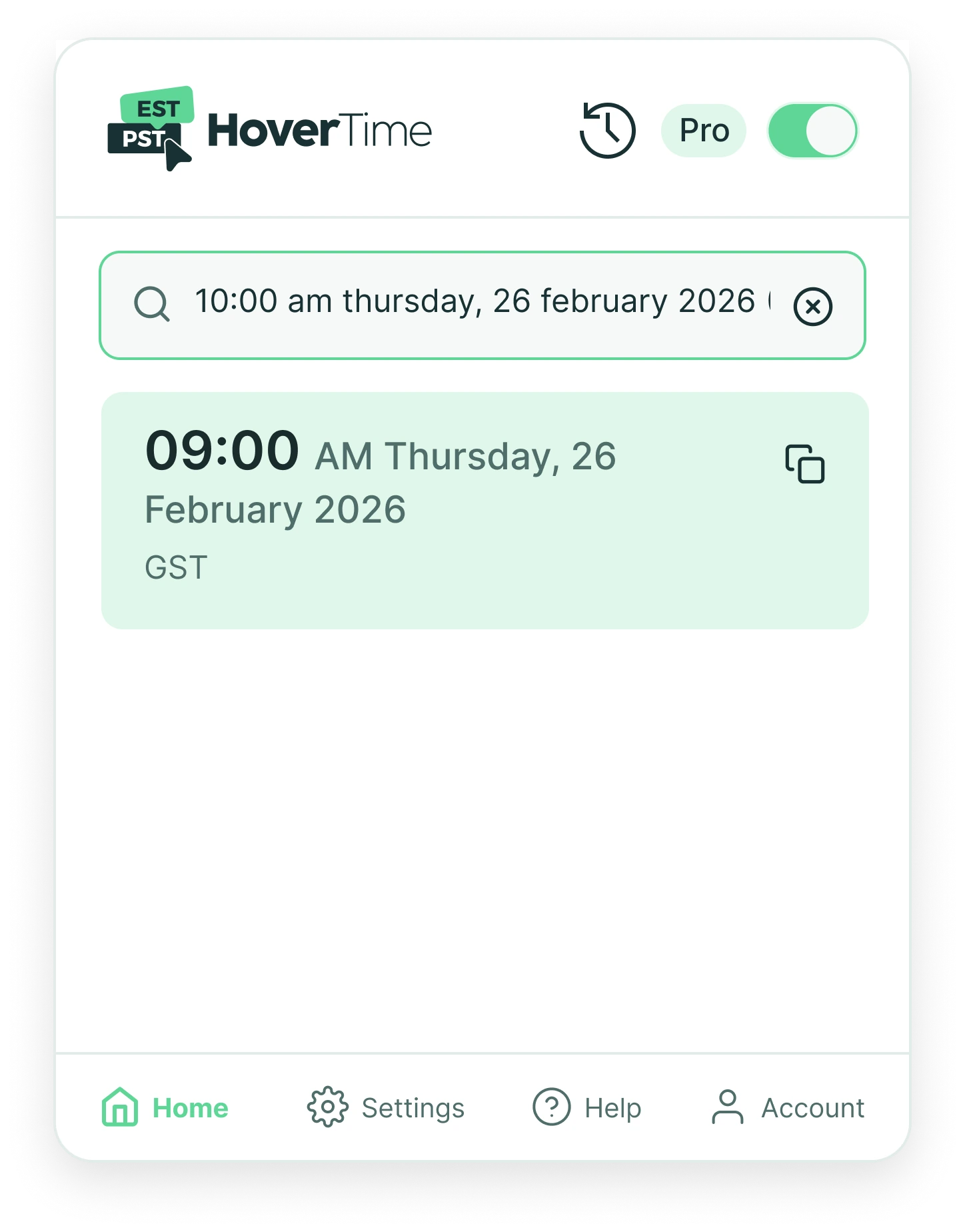
- Real messages are messy. “10:00 am Thursday, 26 February” is not something a lookup table reads
- The source zone is often missing entirely
- The real question was usually how far apart we are, not what time it is there
- Setting your zone by hand on install was friction before any value had been shown
Those six map almost one to one onto what shipped.
Privacy and security
This extension sits inside work email and internal chat. The data rules were designed first and the features fitted around them.
- Only the viewport. It reads what is visible on screen, never the full page or the thread history
- Only the timestamp under the cursor. Not the message it sits in, not the conversation around it
- Local first. Most detection and conversion happens inside the browser. In the common case nothing leaves the machine
- The cloud is the exception. Only small, ambiguous fragments are sent out, never full message content
Routing everything through a model would have been simpler to build and considerably worse to trust.
The user decides where it runs. It works automatically on a whitelist of communication tools, and any site can be allowed or blocked from settings. Everywhere else it stays off.
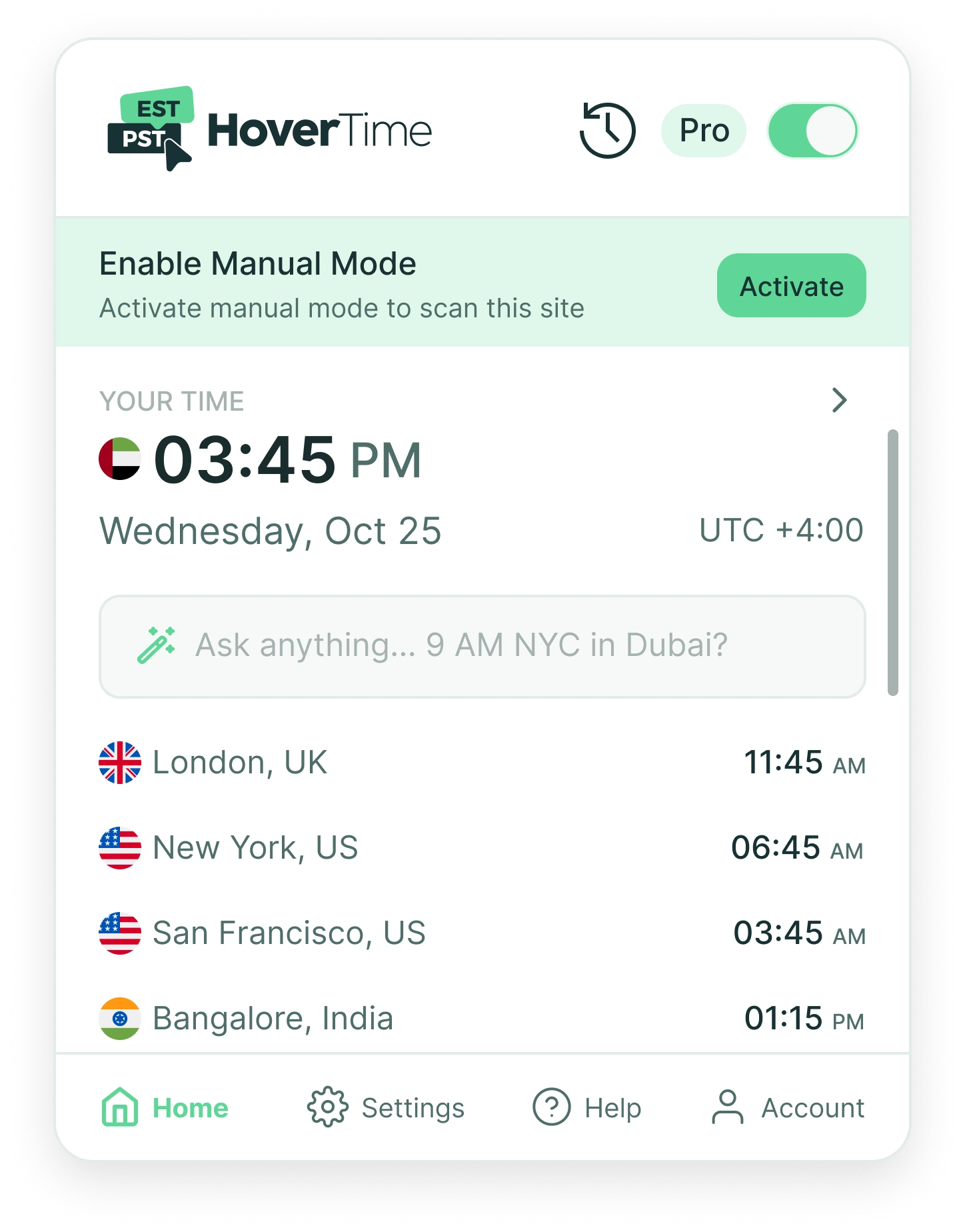
That leaves the sensitive cases, like fintech, where times appear but nothing should be scanning by default. For those there is manual mode: open the extension, activate it, and HoverTime reads that site for that session only. Access is granted deliberately, by the person who knows what is on the screen, and expires on its own.
What shipped
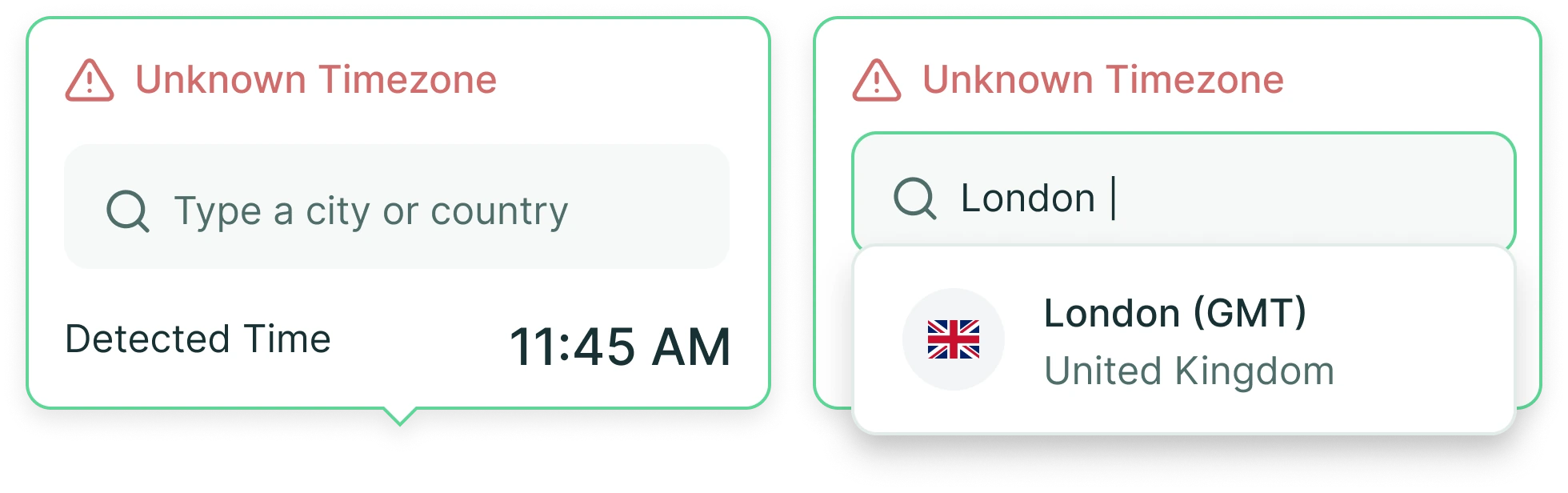
LLM conversion for ambiguous times. Simple times convert locally. When one is complex or its zone is unclear, that fragment alone goes to the model, cross-checked against the user’s zone. Where the zone is genuinely missing, the extension asks instead of guessing.
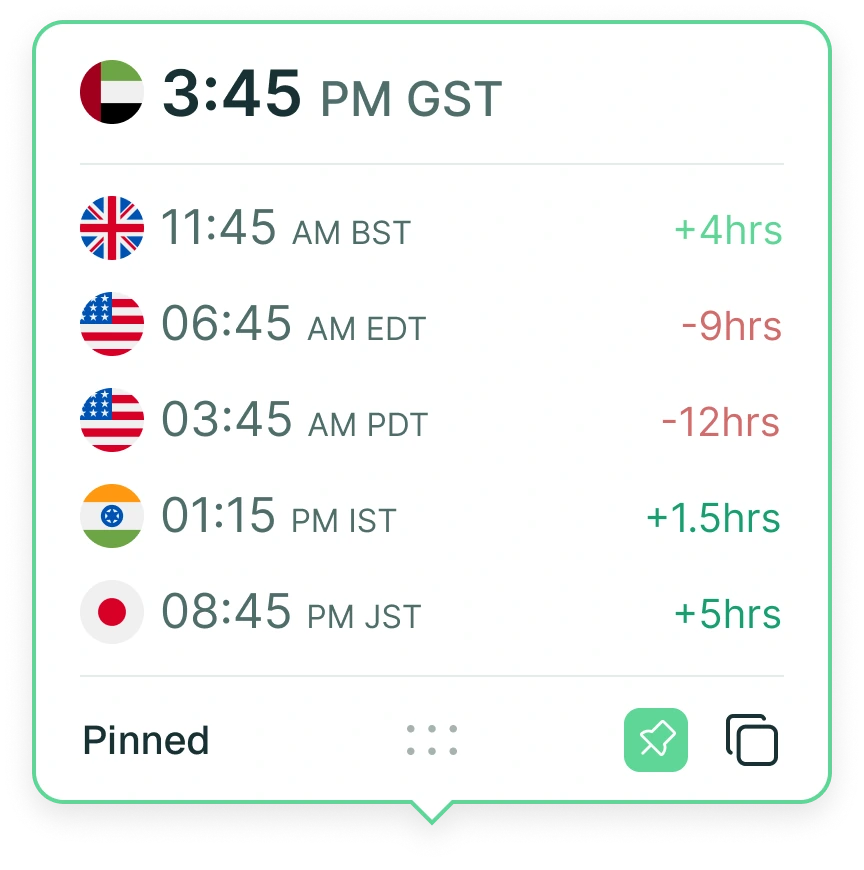
Five zones, with offset. Users track up to five cities alongside their own, saved once and carried across every tab. Offset is optional on top: each zone also shows the gap from your time, so London reads as +4hrs rather than just 11:45 AM. That came straight out of the interviews.
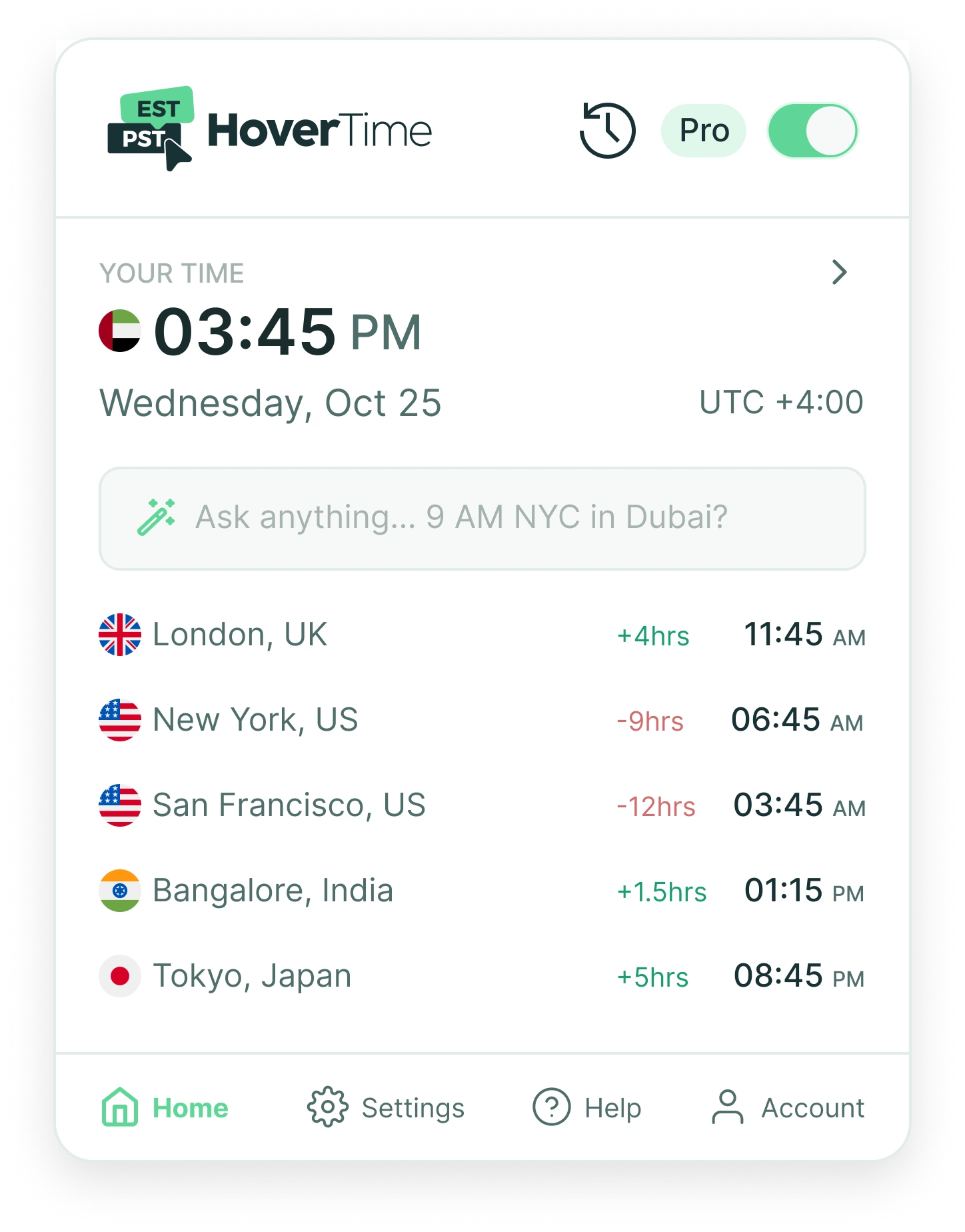
Ask anything search. The search bar took only simple values before. Now a natural question works, like “9 AM NYC in Dubai?”, answered in the popup.
Automatic zone detection. The extension detects your zone on install and asks you to confirm, replacing a manual selection made before the product had shown anything.
Alongside these: pinning and dragging a tooltip anywhere on screen, swapping which zone sits on top, a world clock popup, recent conversions kept to hand, and a switch to pause the extension entirely.
New users get three months with everything switched on. After that they choose to keep it or drop back to the free tier, which goes on doing simple local conversions for as long as they want.
Reflection
The interesting constraint was never the conversion. It was deciding how little to send. That split is a privacy decision first and a performance one second, and it is why the extension can sit inside someone’s inbox at all.
The other lesson came from the interviews. People were not asking for a better clock. They wanted to stop doing arithmetic in the middle of a conversation.